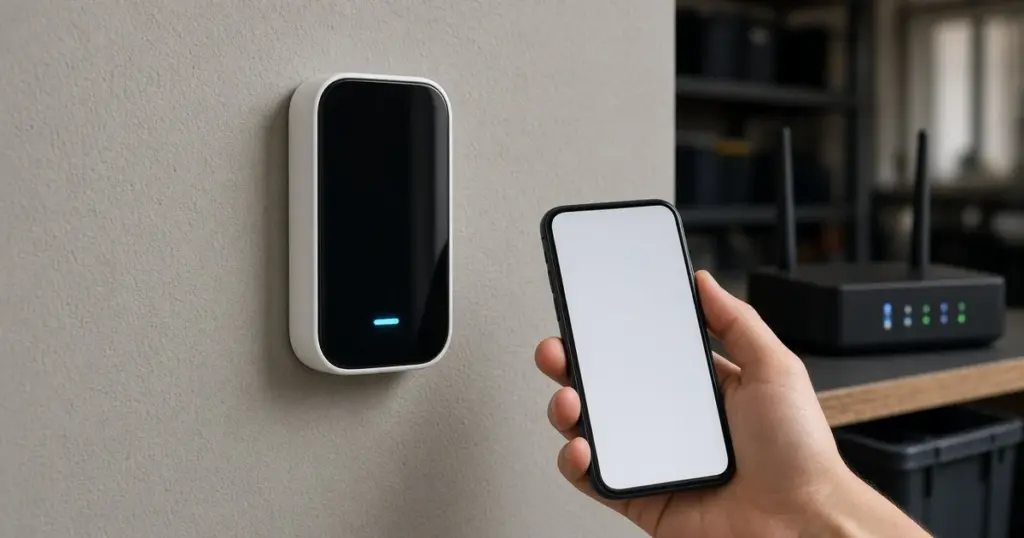
A smart sprinkler controller is only as smart as its internet connection. When it drops off Wi-Fi, you lose remote control, the app shows it offline, and weather-based adjustments may stop. Most controllers keep running their last schedule while offline, but that schedule may not suit the weather, and you will not get alerts if something goes wrong.
Connection problems are some of the most common complaints with smart controllers, and most are fixable without replacing anything. This guide walks through why controllers lose their connection and how to fix it, with notes for homes around Huntsville, TX and Walker County, where controllers are often mounted in garages, on exterior walls, or in outbuildings.
How Smart Controllers Use Wi-Fi
Most residential smart controllers connect to your home Wi-Fi network and communicate with the manufacturer’s cloud service. That service sends schedule changes from your phone, weather data, and firmware updates. If the controller cannot reach the network or the cloud, the app shows it offline.
Our pillar guide to sprinkler controllers and smart irrigation explains how weather-based features work. Our existing article on whether smart sprinkler controllers are worth it covers the trade-offs.
Common Causes of Wi-Fi Problems
Weak signal
Garages, exterior walls, and outbuildings are often at the edge of a home network’s range. Metal doors, masonry, and appliances weaken the signal further.
Router changes
A new router, a changed network name, or a new password will disconnect the controller until it is set up again.
Network band
Many controllers connect only to the 2.4 GHz band. Routers that combine bands under a single name can sometimes cause setup trouble.
Power interruptions
After an outage, the router may take longer to restart than the controller, or the controller may need to reconnect. Storms that knock out power can leave a controller offline until someone notices.
Firmware or app issues
Outdated firmware or a problem on the manufacturer’s side can cause connection errors.
Heat and moisture
Controllers in hot garages or damp outbuildings may behave erratically.
Step-by-Step Troubleshooting
- Check the controller display or status light for a connection indicator.
- Check the router. Make sure other devices are online and the router has been restarted recently if problems persist.
- Test the signal at the controller. Stand next to it with your phone connected to the same network and check signal strength.
- Restart the controller by following the manufacturer’s instructions.
- Re-run network setup in the app if you changed the router, network name, or password.
- Check the band. Make sure a 2.4 GHz network is available if the controller requires it.
- Update firmware and the app.
- Check the manufacturer’s service status if many users report problems.
Improving the Signal
- Move the router closer or to a more central spot.
- Add a mesh node or extender near the controller.
- Avoid obstacles like metal doors and appliances between the router and controller.
- Consider the controller location if it is in a detached building. Some setups use a wired bridge or outdoor access point.
What Happens While It Is Offline
Most smart controllers continue running their last stored schedule. That means:
- Weather adjustments may stop. The controller may water during rain or skip seasonal changes.
- Remote changes will not reach the controller.
- Alerts may not be sent.
A physical rain sensor wired to the controller can still stop watering during rain even when Wi-Fi is down. See rain and freeze sensors for options.
After a Power Outage
Storms can cut power for hours or days in East Texas. When power returns, check that the controller reconnected and that the date, time, and schedule are correct. Our article on resetting a sprinkler controller after a power outage explains what to check.
Choosing a Good Mounting Spot
When a controller is new or being moved, a little planning prevents years of connection trouble:
- Check signal strength first by standing at the planned spot with a phone on the home network.
- Keep it out of direct sun and away from water heaters and other heat sources in garages.
- Mount it near a dedicated outlet that is not on a circuit likely to trip.
- Leave room for wiring and future zones.
- Protect outdoor units with a weather-rated cabinet and keep the door closed.
Our existing article on advanced technology in sprinkler repair describes other ways modern equipment helps keep systems running.
When Replacement Makes Sense
If the controller loses its connection constantly despite a strong signal, if it has water damage, or if the manufacturer no longer supports it, replacement may be the better option. Our walkthrough on replacing an old sprinkler controller covers the process.
Shared and Rental Properties
On rentals and homes with several people using the app, connection problems sometimes turn out to be account issues. Make sure the controller is registered to an account the owner controls, and that anyone who needs access has been invited through the app rather than sharing a single login. When tenants change, update the Wi-Fi details and account access so the controller does not end up orphaned on an old network.
Tips for Reliable Operation
- Keep the app and firmware updated.
- Write down your schedule in case you need to set up the controller again.
- Label wires at the terminal strip.
- Use a surge protector where appropriate.
- Check the controller after storms and router changes.
When to Call a Pro
Call a professional if the controller will not reconnect after troubleshooting, if zones do not run even when it is online, if the controller shows wiring or zone faults, or if you want help relocating or replacing it. A technician can check wiring, test zones, and help with setup. We support smart controller installations and repairs for homes across Huntsville and Walker County. See our sprinkler repair page and services page.
Frequently Asked Questions
Will my sprinklers still run if the smart controller is offline?
Most smart controllers keep running their last stored schedule, but weather adjustments and remote changes may stop until the connection is restored.
Why does my controller only connect to 2.4 GHz?
Many controllers use 2.4 GHz because it has better range through walls. Check your controller’s specifications.
Do I need to set up the controller again after changing my router?
Usually, yes. If the network name or password changed, the controller needs the new credentials.
Get Your Smart Controller Back Online
If your controller will not stay connected, call 346-586-6060 or request service.